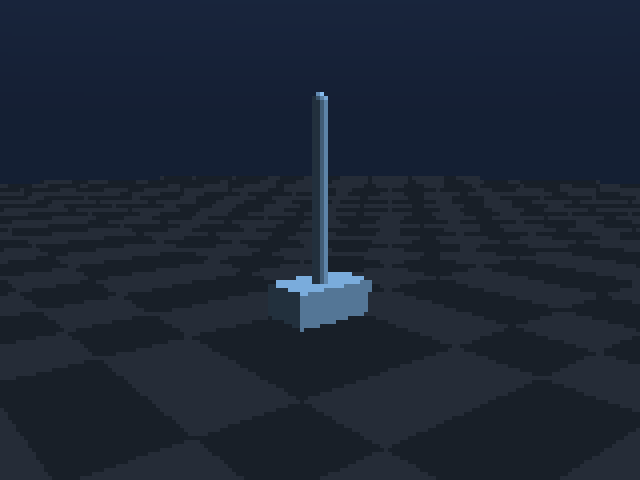
CartPoleBalance-v0
Cart-pole balance
One effort actuator learns to center the cart while keeping the passive pole upright.
python examples/envs/cartpole_balance.py --steps 600 --webEvery image below is produced by LavenderSim’s native RGB sensor from the same Python scene used by the RL environment. Pick a task, run its smoke controller, then replace it with a learned policy.
.venv/bin/python docs-site/scripts/render_scenes.py.One effort actuator learns to center the cart while keeping the passive pole upright.
python examples/envs/cartpole_balance.py --steps 600 --web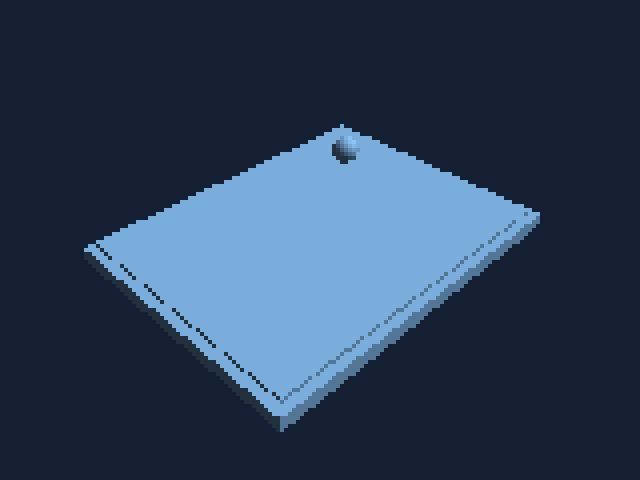
Two board axes steer a low-friction ball; success requires reaching the goal and settling.
python examples/envs/tilt_maze.py --steps 600 --web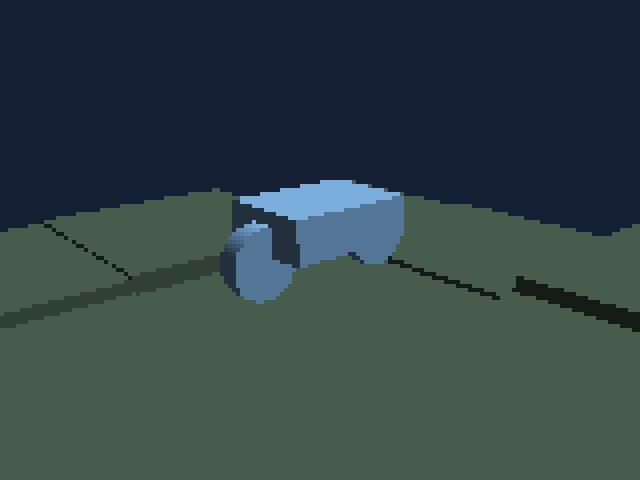
Differential wheel velocity commands use a nine-ray lidar fan to reach randomized goals.
python examples/envs/rover_waypoint.py --steps 600 --web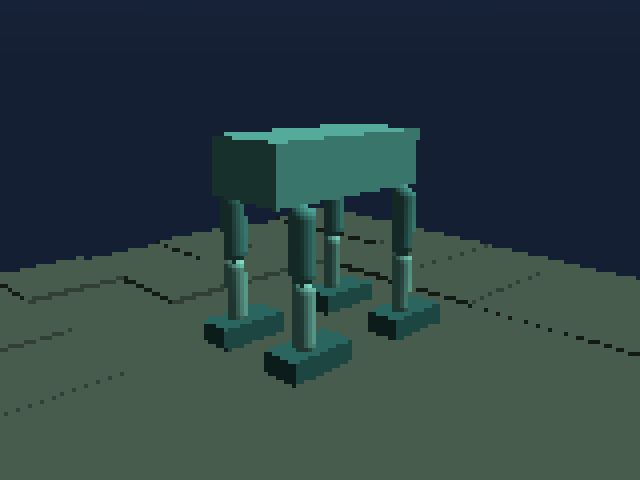
Twelve joint targets track body-relative direction and speed commands over terrain.
python examples/envs/quadruped_terrain.py --steps 600 --web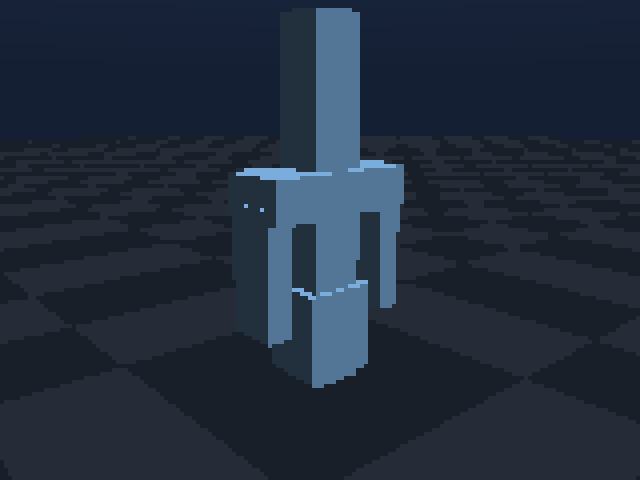
Coupled jaws combine tactile contact, wrist wrench sensing, lifting, and stable holding.
python examples/envs/tactile_gripper_lift.py --steps 600 --web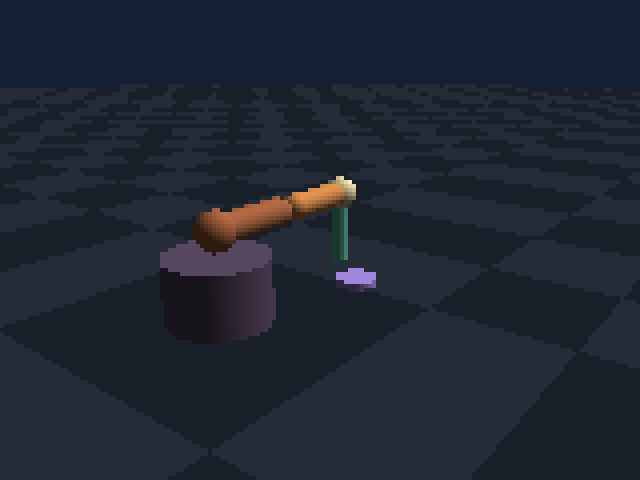
Named sites measure alignment while filtered force and torque penalize destructive contact.
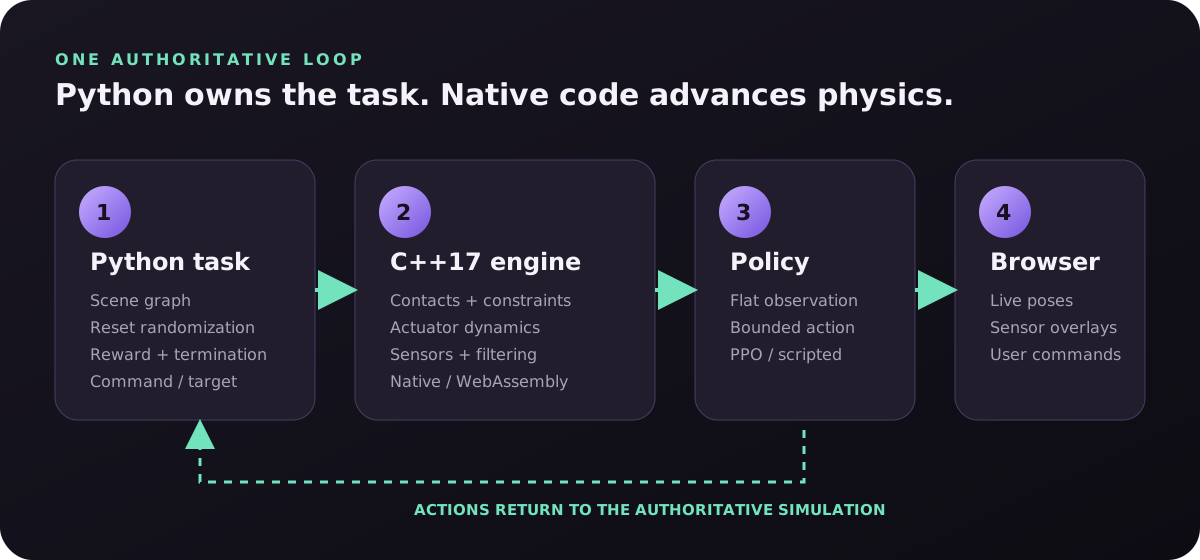
python examples/envs/peg_insertion.py --steps 600 --web--web?The native simulation stays in Python. A small server publishes body poses and telemetry to the WebGL page. Browser buttons, speed sliders, and clicked floor targets travel back to Python as commands.
python -m experiment.serve_quadruped \
  --checkpoint experiment/runs/quadruped_ppo/checkpoint.pt
Use direction buttons and the speed slider; Python updates the policy input.
python -m experiment.serve_manipulator \
  --checkpoint experiment/runs/manipulator_ppo/checkpoint.pt
Click the floor to place the target marker and send its X/Z location to Python.